Dublo
Dublo
If your data lives in ad platforms, a CRM, Stripe, Shopify and an app database, and your reporting lives in a pile of Google Sheets, this article is for you. I'll show you the simple data platform I recommend to small and mid-size businesses: four layers, mostly managed tools, and nothing you need a five-person data team to run.
It's written for founders and heads of ops, marketing or data at SaaS companies, ecommerce brands, agencies and coaching businesses who have outgrown spreadsheets but don't need a Netflix-grade stack.
When does a small business need a data platform?#
Most teams start the same way: a few CSV exports, a Google Sheet per channel, and someone who spends Monday morning copying numbers into a "master" report. That works until it doesn't.
These are the signs you have outgrown it:
- Your Excel or Google Sheets files are so large they take minutes to open, or crash.
- Numbers don't match between reports because they were copied by hand at different times.
- One person owns the reporting, and nobody else knows how it works.
- You can't answer simple cross-source questions, like "what is our real cost per customer across Google Ads, Meta and our CRM?" If two or more of these sound familiar, it's time to centralize. I wrote more about the business case in why you need to centralize your data now.
What should a simple data platform do?#
Keep the goal narrow. You want an automated, scalable and boring system that does three things:
- Ingest data from all your sources into one place (a data warehouse) on a schedule.
- Transform the raw data into clean reporting tables: joining sources, aggregating, and applying your business rules. For example, one table with daily spend, clicks and conversions across every ad platform.
- Visualize those tables in a BI tool your team actually opens. Here is what that looks like end to end:
And here is the stack I recommend by layer:
| Layer | Simple default | Good alternatives | Consider changing when |
|---|---|---|---|
| Ingestion | Airbyte (Cloud or self-hosted) | Fivetran, Estuary, Meltano, dlt for custom APIs | You need a connector your tool doesn't have, or real-time data |
| Warehouse | BigQuery | Snowflake, Postgres, MotherDuck (DuckDB) | Your team already runs on Azure or AWS, or data is tiny |
| Transformation | dbt (Core or dbt Cloud) | SQLMesh | Rarely. dbt is the standard for a reason |
| Scheduling | dbt Cloud jobs or GitHub Actions cron | Dagster, Airflow | You have many dependent pipelines across tools |
| BI | Looker Studio or Metabase | Power BI, Superset, Lightdash, Streamlit | You need row-level security, embedding or heavy self-serve |
How do you get data from all your tools into one place?#
I used to write every ingestion pipeline in Python, mostly for the pleasure of writing code.
With one, two or three sources, that's fine. Your scripts break from time to time (an API changes, a token expires) and you fix them.
But with 10 or 20 sources, maintaining custom connectors becomes a full-time job. And that same person also has to own transformation and dashboards. You end up hiring just to keep pipelines alive.
Managed ELT tools solve this. Through a UI, you can connect most standard sources (Google Ads, Meta Ads, HubSpot, Stripe, Shopify, Postgres) to your warehouse in an afternoon, including the time to read the docs.
The ingestion tools I see most often:
- Airbyte: some people don't like it, but I use it a lot and I'm happy with it. The open-source version is free to self-host, and the Cloud version removes the ops work.
- Fivetran: the most polished managed option. If a connector is missing on Airbyte, you'll often find it here. It gets expensive as volume grows, so watch your usage.
- Estuary: interesting if you need real-time (streaming) ingestion, for example change data capture from a production database.
- Meltano: open source, built on the Singer standard, good if your team likes config-as-code.
- dlt (data load tool): a Python library for the sources no tool supports. You write a small script, it handles schema, incremental loading and retries. For custom APIs, the feature I like most is Airbyte's Connector Builder. You describe the API (authentication, endpoints, pagination) in a form, test it live, and publish it as a connector, without maintaining a codebase. It now also includes an AI assistant that drafts the config from the API docs, which saves time on simple REST APIs.
If you're weighing these tools, I compared them in detail in no-code ELT tools: the pros and cons. And if you'd rather not own connectors at all, that's exactly what our data integration service covers.
Which data warehouse should a small business choose?#
The warehouse is where everything lands. For an SMB, the honest answer is: pick one and stop debating.
- BigQuery: my default for most SMBs. Serverless, nothing to size, a generous free tier, and native connection to Looker Studio and Google Ads data.
- Snowflake: great if you expect to grow fast or need strong data sharing. Pay-per-second compute, but set auto-suspend and budgets on day one.
- Postgres: fine if your data is small (a few million rows) and you already run it. Cheap and familiar, but not built for heavy analytics.
- MotherDuck (DuckDB): a newer, lightweight option that works well for small datasets and teams who like local development. Whatever you pick, use separate schemas (or datasets) for raw data, staging models and final reporting tables. It keeps permissions and debugging simple.
How do you transform raw data into reports with dbt?#
Remember, we want the simplest solution possible. Simple means many people can understand and maintain it. And the language every data professional speaks (or should) is SQL.
But SQL alone isn't enough. Without structure there is no version history, no tests, and you quickly end up with spaghetti SQL: one 2,000-line query nobody dares to touch. Trust me, you don't want that problem.
That's why I use dbt. The short version:
dbt = SQL + Jinja templating + software engineering practices
You write SQL select statements as "models", and dbt handles the rest: building tables and views in the right order, using variables and loops, running tests, generating documentation, and keeping everything in Git.
Instead of one huge query, you get a few small models, each with one job.
A staging model per source#
Staging models clean and rename the raw tables your ingestion tool created. Column names depend on your connector, so adapt them.
-- models/staging/meta_ads/stg_meta_ads__campaign_stats.sql
select
    cast(date_start as date)        as report_date,
    campaign_id,
    campaign_name,
    cast(spend as numeric)          as spend,
    cast(clicks as int64)           as clicks,
    cast(conversions as numeric)    as conversions
from {{ source('meta_ads', 'ads_insights') }}
A reporting model that joins sources#
Then a mart model combines platforms into the table your dashboard reads:
-- models/marts/fct_ad_performance_daily.sql
with google_ads as (
    select report_date, 'google_ads' as platform, spend, clicks, conversions
    from {{ ref('stg_google_ads__campaign_stats') }}
),

meta_ads as (
    select report_date, 'meta_ads' as platform, spend, clicks, conversions
    from {{ ref('stg_meta_ads__campaign_stats') }}
),

unioned as (
    select * from google_ads
    union all
    select * from meta_ads
)

select
    report_date,
    platform,
    sum(spend)                                   as spend,
    sum(clicks)                                  as clicks,
    sum(conversions)                             as conversions,
    safe_divide(sum(spend), sum(conversions))    as cost_per_conversion
from unioned
group by report_date, platform
Tests so bad data never reaches a dashboard#
# models/marts/_marts.yml
version: 2

models:
  - name: fct_ad_performance_daily
    columns:
      - name: report_date
        data_tests:
          - not_null
      - name: platform
        data_tests:
          - accepted_values:
              arguments:
                values: ['google_ads', 'meta_ads']
Scheduling dbt#
You have two simple options:
- dbt Cloud: a hosted IDE plus scheduled jobs, logs and alerts. The fastest path if you don't want to manage anything.
- dbt Core + GitHub Actions: free and fully in your repo. Here is a daily run against BigQuery that authenticates with OIDC (Workload Identity Federation), so you don't store long-lived service account keys in GitHub:
# .github/workflows/dbt-daily.yml
name: dbt daily build

on:
  schedule:
    - cron: "0 5 * * *"   # every day at 05:00 UTC
  workflow_dispatch:

permissions:
  contents: read
  id-token: write   # required for OIDC

jobs:
  dbt-build:
    runs-on: ubuntu-latest
    env:
      DBT_PROFILES_DIR: .
    steps:
      - uses: actions/checkout@v4

      - uses: actions/setup-python@v5
        with:
          python-version: "3.12"

      - uses: google-github-actions/auth@v2
        with:
          workload_identity_provider: ${{ secrets.GCP_WIF_PROVIDER }}
          service_account: ${{ secrets.GCP_SA_EMAIL }}

      - run: pip install dbt-core dbt-bigquery

      - run: dbt deps

      - run: dbt build --target prod
With a matching profiles.yml in the repo that uses the credentials from the auth step:
# profiles.yml
analytics:
  target: prod
  outputs:
    prod:
      type: bigquery
      method: oauth
      project: your-gcp-project
      dataset: analytics
      location: EU
      threads: 4
dbt build runs your models and tests in dependency order. If a test fails, downstream models don't build, so a broken source never silently breaks your dashboard.
The result: tables in your warehouse that refresh automatically and stay up to date without anyone touching them.
dbt has downsides too (a learning curve, and projects can sprawl if nobody owns conventions). In the end, it depends on how and by whom it's used. With a clear staging and marts structure, it stays easy to maintain for years. This layer is the core of what we build in our data foundations work.
Which BI tool should you use for dashboards?#
Your data is now ingested and transformed on a schedule. A simple select * from fct_ad_performance_daily shows your key metrics.
But a good dashboard is always easier to read than a table with thousands of rows.
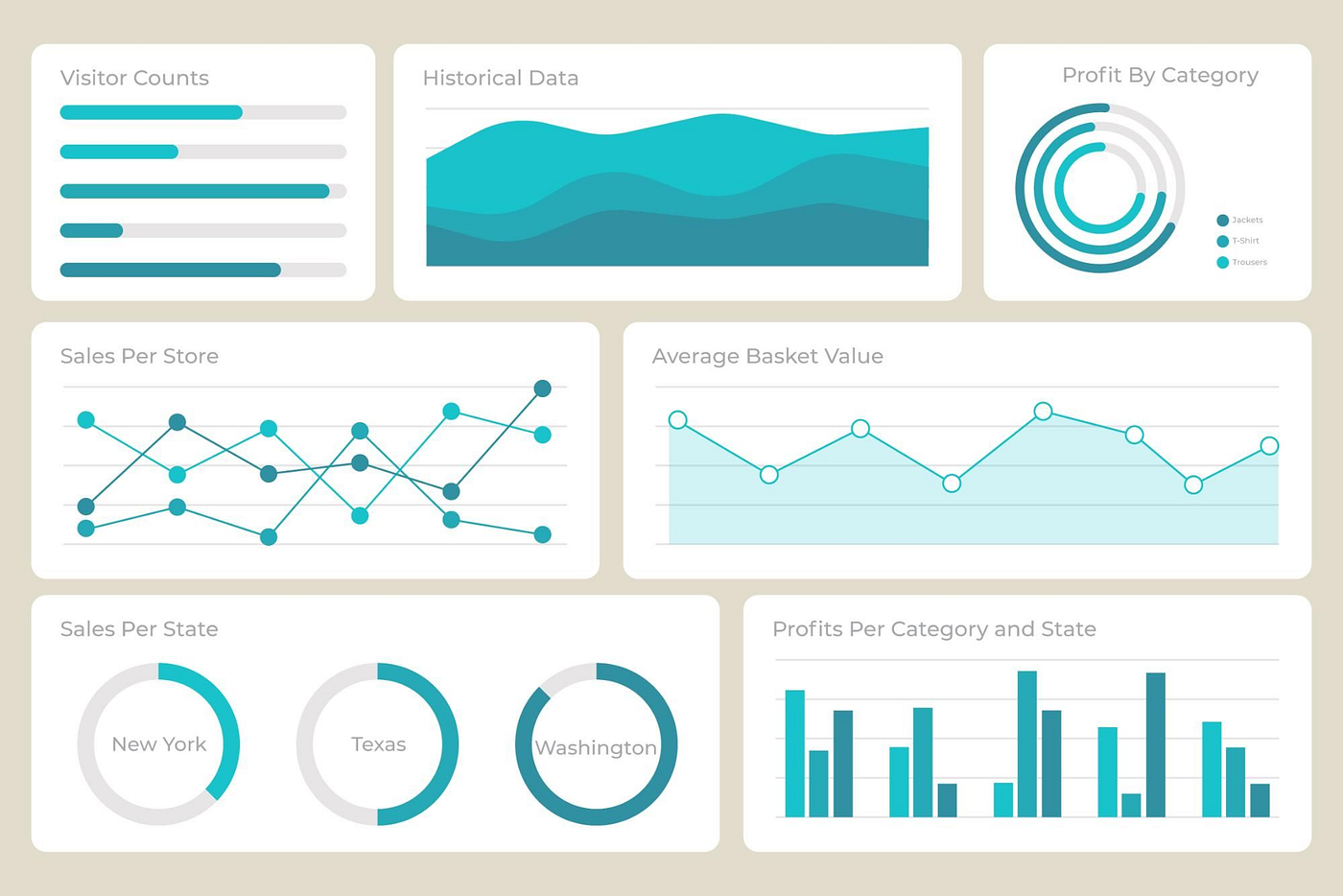
You have plenty of options:
- Looker Studio: free, quick to set up, perfect with BigQuery and for sharing with clients.
- Metabase: one I like a lot. Easy to deploy and easy for non-technical users to ask their own questions.
- Power BI: the obvious choice if your company lives in Microsoft 365.
- Superset: open source and powerful, but more work to host and maintain.
- Lightdash: reads your dbt project directly, so metrics are defined once in code.
- Streamlit: when you need a custom data app rather than a classic dashboard. One rule matters more than the tool: point dashboards at pre-aggregated dbt tables, not at raw data. For a media agency, we took dashboards from 30 seconds to 2 seconds to load and removed their Supermetrics bill, mainly by moving the heavy work into the warehouse. More on this on our dashboards page.
Is this data platform AI-ready?#
Mostly, yes, and that's the point. AI agents and LLM-based analytics tools are only as good as the data they query. If your metrics live in clean, tested, documented dbt models in one warehouse, an AI assistant can answer "what was our cost per conversion on Meta last month?" reliably.
If your data is scattered across spreadsheets, no AI tool will fix that. Get the foundations right first, then add AI on top.
Simple data platform checklist#
- List every data source and who owns it.
- Choose one warehouse and create raw, staging and marts schemas.
- Connect standard sources with a managed ELT tool; use dlt or the Connector Builder for custom APIs.
- Model each source in dbt staging, then build reporting marts.
- Add tests on keys, dates and accepted values.
- Schedule ingestion and
dbt builddaily (or hourly if needed). - Build dashboards on marts only, and set alerts on failed runs.
FAQ#
How much does a data platform cost for a small business?#
It depends mostly on data volume and on whether you choose managed or open-source tools. A small business can run BigQuery, self-hosted Airbyte, dbt Core and Looker Studio at very low monthly cost, while fully managed tools trade higher fees for less maintenance. The bigger cost is usually the time to build and maintain it, not the software.
Do I need a data engineer to set this up?#
You need someone comfortable with SQL and basic cloud setup. Managed tools remove most of the infrastructure work, but modeling the data correctly (definitions, joins, deduplication) still takes experience. Many SMBs bring in a partner to build the first version, then maintain it with a part-time analyst.
Is dbt free?#
dbt Core is open source and free. dbt Cloud has a free developer seat and paid plans for teams that want the hosted IDE, job scheduler and alerting. Many small teams start with dbt Core and GitHub Actions and move to dbt Cloud when more people need access.
How long does it take to build a simple data platform?#
For a handful of standard sources and a few core dashboards, a focused build takes days to a few weeks, not months. I walk through a realistic plan in how to build a data platform in one week.
Should I use Google Sheets as a data warehouse?#
No. Sheets are fine as an input (a manual targets table, for example) or as a light output, but not as the system of record. They hit size limits, have no tests or history, and break when someone edits a cell.
Key takeaways#
- Four layers are enough for most SMBs: ingestion, warehouse, dbt, BI.
- Buy connectors for standard sources, write code only for the gaps.
- Keep all business logic in version-controlled, tested SQL.
- Design is your call: start from your actual reporting needs, not from a tool list. This setup covers companies with standard analytics needs; heavy ML work comes later. Want this kind of platform built for your team, done for you and owned by you? Book a call with Dublo and we'll map your sources and reports in the first conversation.